One planner for the whole of your life.
Spiraling™ is a digital planner that feels like paper: a cover, tabs down the side, a page for every day. Behind it sit the tools you actually need: goals that turn into daily tasks, habits, a budget with a real forecast, meals, workouts, a cleaning schedule and notes. It syncs to your account, so it's on your phone, tablet and computer.
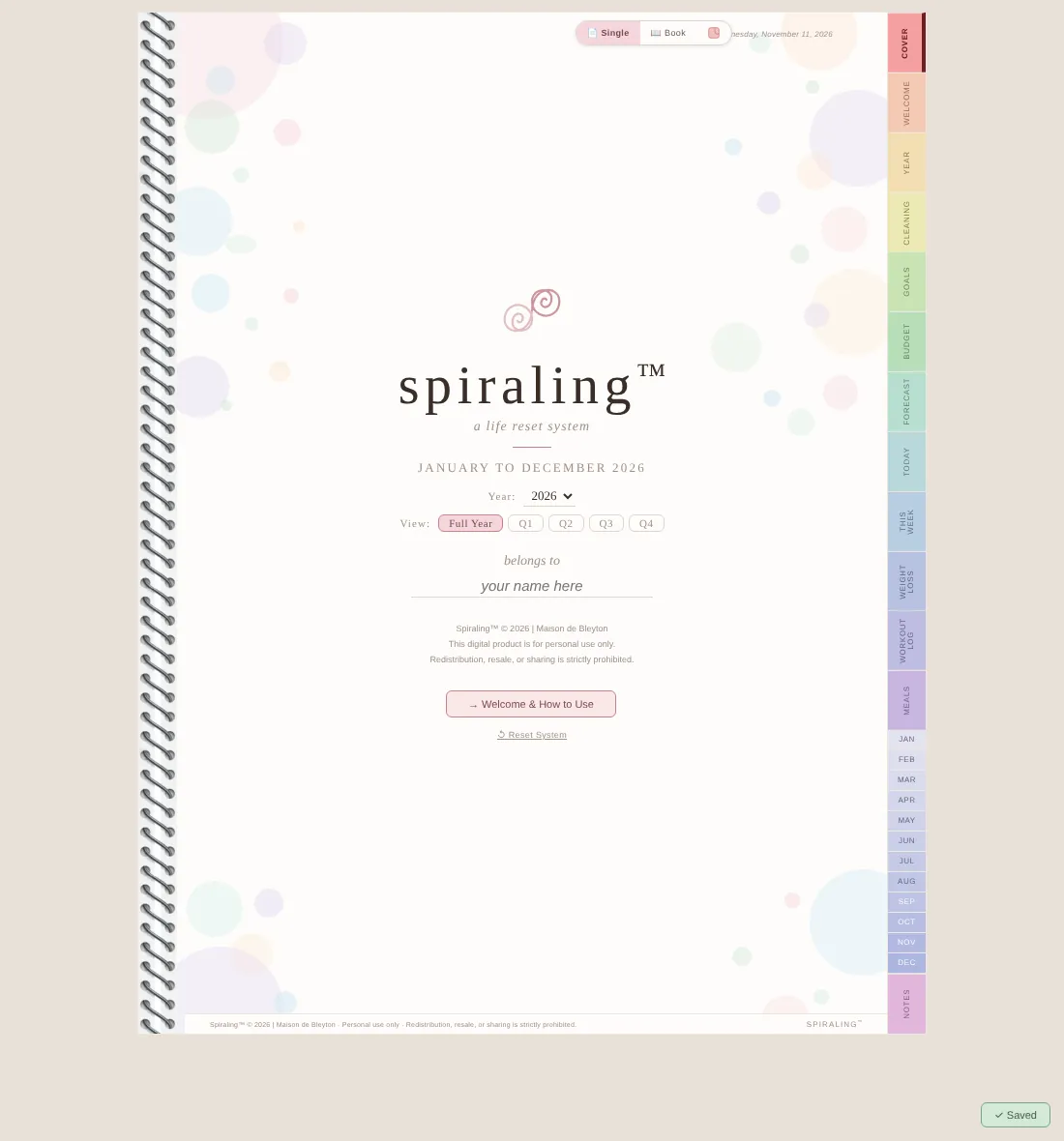
Every page you'd find in a paper planner, wired together so you only write things once.
Daily pages
A page for every day with your schedule, events, goal tasks, habits, meals and an end-of-day reflection.
Weekly dashboard
Your whole week on one page, filled in automatically from your daily pages.
Monthly dashboard
A calendar, habit grid and goal progress that show the shape of your month at a glance.
Goals that schedule themselves
Break each goal into milestones and tasks, and they land on your daily pages for you.
Cleaning schedule
Room-by-room checklists sorted by how often each job needs doing.
Notes
Lined, dotted or blank pages for everything else, with a private option.
Turn these on when you want them and they become part of your daily pages. Most digital planners don't have anything like them.
Budget & Forecast
Most planners stop at a budget. Spiraling looks ahead and shows what your balance will be, week by week.
- Budget page: income, expenses by group and a live breakdown chart.
- Entrepreneur Profile: your pay frequency and pay day, the days you work each week, vacation, sick and maternity time, and federal holidays.
- Add debts with pay-off dates, savings goals and one-off purchases.
- A projected balance for the next 3 months, 6 months, a full year or beyond.
Weight Loss Tracker
A tracker that tells you whether you're on pace, not just what you weighed.
- Log your weight and body measurements as often as you like.
- A weight loss forecast to your goal date: a projected line for the path to your goal, with your actual weigh-ins plotted against it.
- A progress chart plus calorie guidance that keeps you at a healthy pace (0 to 2 lbs a week).
- Meal tracker with macros. Scan a barcode to fill in the nutrition for you.
Workout Log
Not sure what to do today? Pick the area you want to work on and get a plan in seconds.
- Workout generator: choose arms & shoulders, legs, core, back, cardio, flexibility or heart-healthy, or let it pick at random.
- Every plan lists the exercises with sets, reps and rest times. Don't like it? Generate a new one.
- Save the workouts you love as favorites and pull from them any time.
- Log a workout from any daily page; the month's workouts and stats collect here.
- 1
Start on the Cover
Put your name on it, pick the year and the quarter you want to focus on, then open Welcome & How to Use for a two-minute tour.
- 2
Set a few goals
On the Goals Dashboard add one goal per area of life that matters right now. Give each a deadline and a couple of milestones; the tasks appear on your days.
- 3
Live in the Daily page
Each morning: write an intention, check the schedule and events, tick habits as you go. Each evening: a short reflection. Everything rolls up into your week and month.
- 4
Turn on the extras
Switch on Budget & Forecast, the Weight Loss Tracker or the Meal Tracker from the Welcome page whenever you want them. Connect your calendar so your real events show up. It all syncs to every device you sign in from.
Cancel any time.
About $12 a month.
3 days with no card, or 14 days with a card on file. You won't be charged until the trial ends, and you can cancel before then and pay nothing.